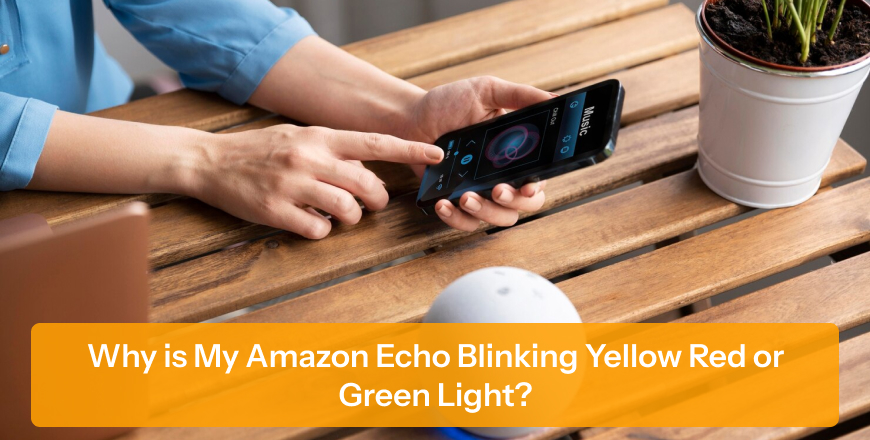
Have you ever noticed why the Amazon Echo is flashing random colours? It is not because of a glitch, but instead it is a way for Alexa to communicate with you.
If you want to know why is my Amazon Echo blinking yellow, red, or green light, then read this blog till the end, as you’ll get to know about the following:
Blinking lights on Echo are not an issue; Echo uses LED light signals instead of a screen to show whether you have received a notification, call, or other. The lights blink to grab the attention of the user. If no light is blinking, then it is a sign that everything is working normally; you’ve not gotten any notification or call.
However, different LED lights indicate different actions. Ensure you continue reading the article to know about which light indicates what feature.
A blinking yellow light on Echo shows that you have received a new notification, a message from someone in your contacts, an Amazon delivery update, or any other related notifications.
If you want to make that yellow light disappear, then command Alexa to read your notifications. Once Alexa is done reading all the notifications, the light will vanish.
If a red light is showing on your Echo, it means that either your mic is turned off or Alexa is not listening to you. You need to understand that this is not an error or glitch; instead, it is a privacy feature.
In order to make that red light disappear, press the microphone button on the top; this will activate Alexa and turn off the red light instantly.
If a green light is flashing on your Echo, this indicates that either an incoming call is coming or you are already on a call.
In order to make that green light disappear, command Alexa to answer the call or ignore the call. If you want to stop it completely, you need to disable calling in the settings.
To understand clearly and easily why Echo shows yellow, green, and red light, read the following list:
Your Echo showing strange lights is not an issue, and your Echo is not broken; instead, it is a smart way by which Alexa grabs the attention of users and tries to communicate with them.
Once you understand about what those yellow, red, and green lights mean, you’ll be able to respond quickly without any worry.
1. Why is my Echo Blinking Green Without any Incoming Call?
Your Echo might be blinking green even without any incoming calls because of a recent missed call or a session that didn’t close properly. You can check the Alexa app to ensure everything is disconnected.
2. Can I Turn Off All Blinking Lights on my Amazon Echo?
It is not possible to turn off all the blinking lights on the Amazon Echo, as they are a way the device can communicate. However, it is possible to reduce them by turning off notifications and enabling Do Not Disturb mode, especially at night when the light can be noticeable.
3. Why does my Echo Keep Blinking Yellow Every Day?
If you see Echo blinking yellow frequently, it can be because of regular notifications that you’re receiving, which can be because of Amazon order updates or reminders. However, you can manage or turn off these types of notifications in the Alexa app to stop these frequent alerts.






No FAQs Available.